

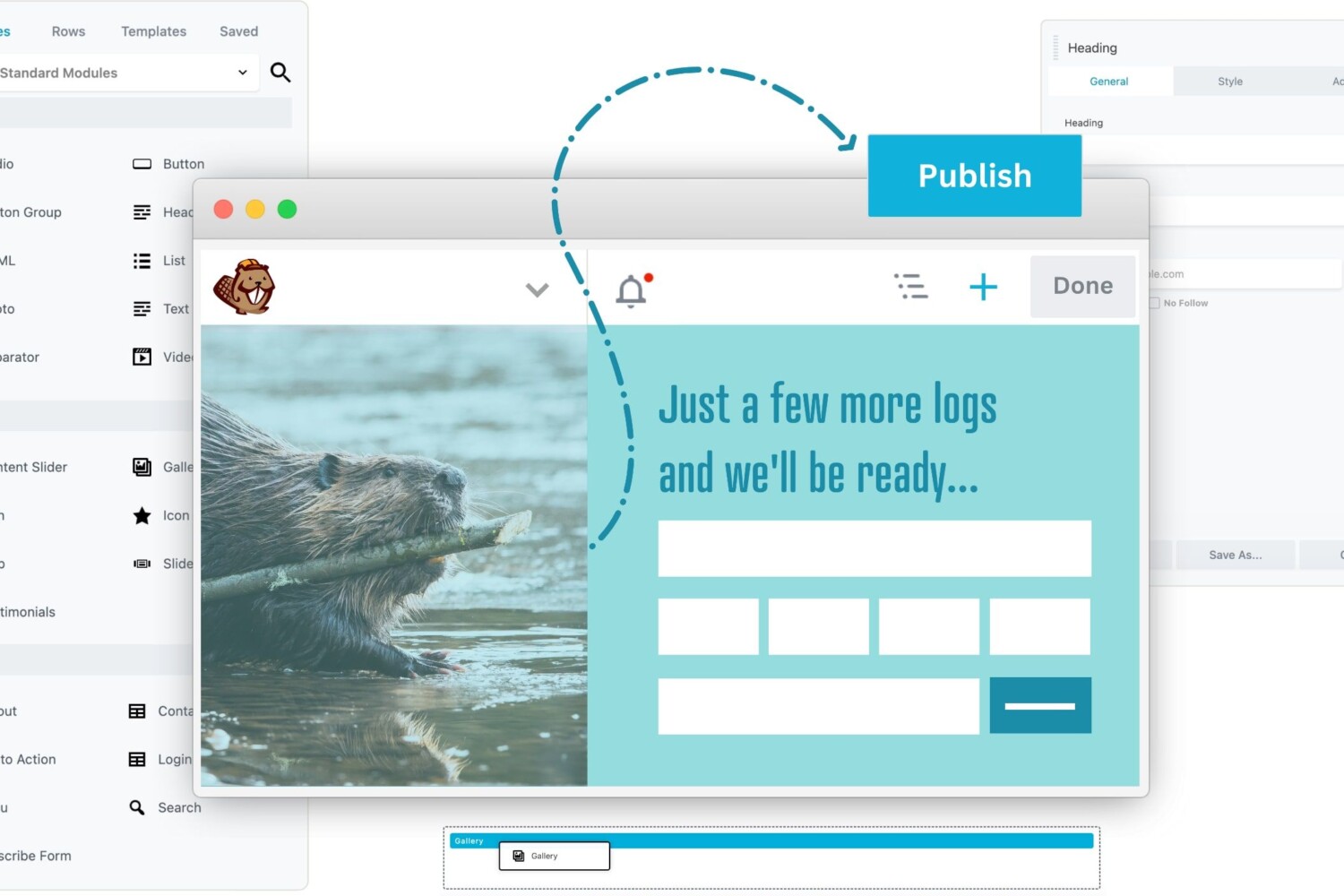
WordPress page builder plugins are the rave now. (Updated 2025)
What does a page builder do?
A WordPress page builder is a plugin that lets you create, design, and customize your website layout visually, without needing to write any code. It provides an easy drag-and-drop interface with pre-made templates and design blocks, allowing you to build complex page layouts quickly and see changes in real time. Page builders make web design accessible to beginners and speed up development for professionals by simplifying the process of adding text, images, buttons, and other elements exactly where you want them on the page.
In essence, a page builder turns website creation into a visual, intuitive task, bypassing the need for coding knowledge while giving you full control over your site’s appearance and functionality.
How can you build a WordPress Website?
Normally, to get your website built using WordPress, all you need is a theme and a few plugins, and you’re good to go. The problem with that is that every other person is using the very same themes and plugins you just selected, so no room for diversity.
How can you fix this? I have a few ideas: first,
- You can build your own theme from scratch – Highly unlikely
- You can hire a WordPress developer (We’re having a cool offer now)
- Or you could be smart and use one of the available WordPress page builder plugins in the post below.
WordPress page builder plugins come in handy when you need to have a unique look.
Our criteria for comparing these WordPress page builder plugins are many:
- ease of use,
- flexibility,
- SEO,
- compatibility and
- the design output.
What is the difference between a page builder and a website builder?
The main difference between a page builder and a website builder lies in scope and flexibility:
- A website builder is an all-in-one platform (like Wix, Squarespace) that gives you everything in one package—hosting, domain, templates, and a simple drag-and-drop editor. It’s designed for beginners to get a website up fast with minimal fuss but offers limited customization and less design flexibility.
- A page builder (like Elementor) is a plugin or tool used within a larger content management system like WordPress. It focuses on designing and customizing individual pages with advanced drag-and-drop features, allowing unlimited design freedom and customization but requiring you to manage hosting, security, and setup separately.
If you want quick and simple, website builders are great. If you want full control and scalability, go with page builders inside WordPress.
Stop Losing Money to a Bad Website
Get a fast, modern, mobile-optimized website that actually converts visitors into customers.
No setup fees. Built for results.
7 WordPress page builder plugins in 2026!
Here we go, in no particular preference:
1. Elementor:
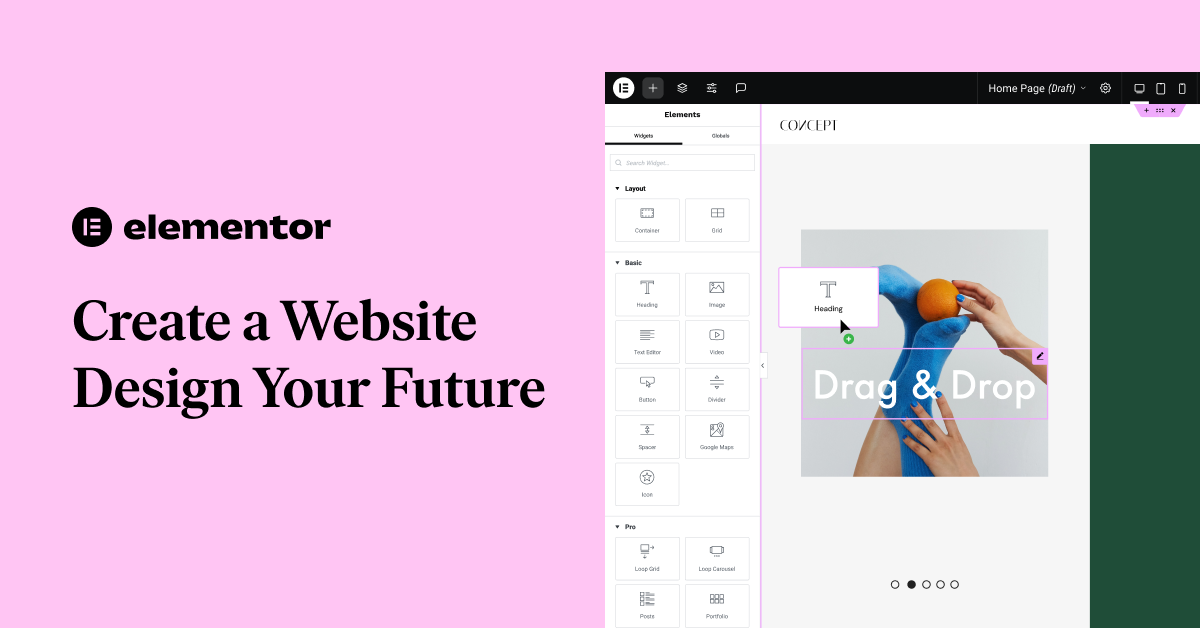
Elementor in 2025 is a powerful and intuitive WordPress page builder that uses drag-and-drop editing, allowing you to design websites without coding. It lets you create custom headers, footers, and page layouts with live previews. Elementor also integrates AI tools to help you build pages faster by generating content, images, and layouts from simple prompts. Performance is optimized to make sites load quicker, and accessibility tools help ensure your site is usable by everyone. Overall, Elementor combines ease of use, flexibility, and modern AI features to streamline website creation.
Elementor pricing in 2025 has several tiers:
- Free plan with limited features.
- Essential Plan: $49/year for one website, includes drag-and-drop editor, 90+ widgets, templates, and priority support.
- Expert Plan: $199/year for up to 25 websites, includes all Essential features plus extra website kits and a place in Elementor’s Experts Network.
- Studio Plan: $499/year for 100 websites.
- Agency Plan: $999/year for 1,000 websites.
- AI features require extra credits, costing around $3.99 to $8.25 per month.
Customer reviews are mixed but generally positive. Users praise the ease of use, design flexibility, and responsive support, with some highlighting fast issue resolution. However, some users report occasional glitches, price increases on renewal, and slow support responses in certain cases.
All of the Elementor Pro pricing options allow you to use the plugin for an unlimited amount of time. However, you’ll only get access to updates and support for one year (unless you renew your license by paying 50% of the original price paid, not worth it in my opionion).
2. WPBakery:
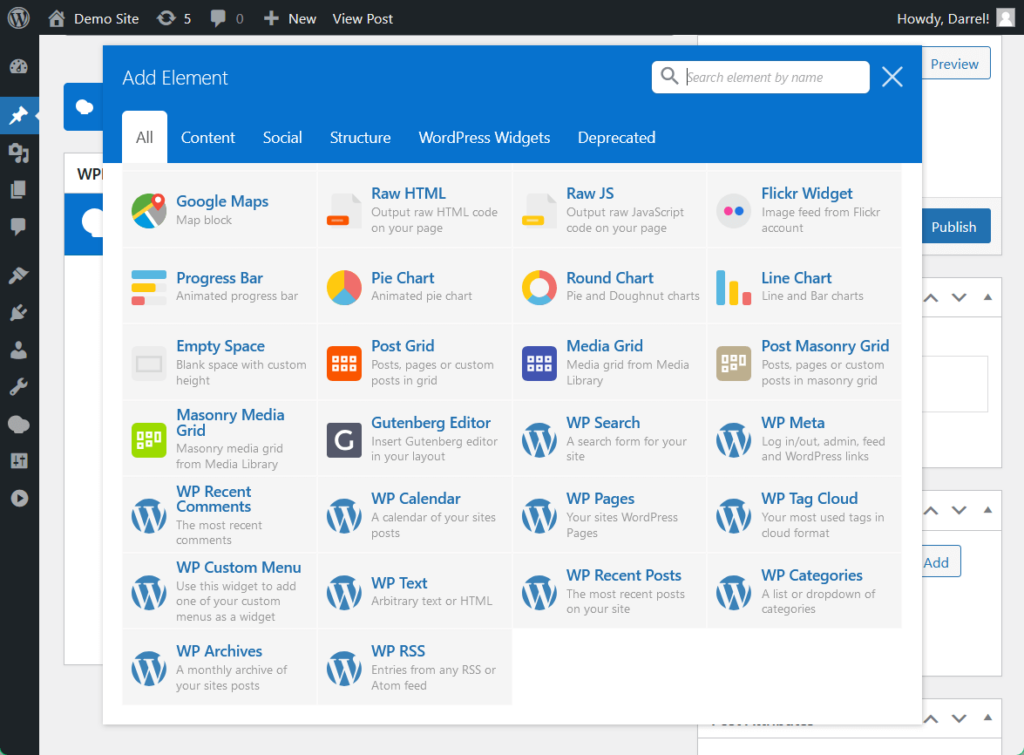
WPBakery Page Builder, is one of the older WordPress page builders, known for its drag-and-drop interface and compatibility with many themes and plugins. It offers both front-end and back-end editing, making it flexible for different user preferences. However, it lacks some modern features like advanced theme building, built-in AI tools, and optimized performance compared to newer builders. WPBakery still works well for simpler sites or legacy projects but is less popular among users seeking cutting-edge design and speed in 2025. It’s often bundled with premium themes, which keeps it in use despite its aging technology.
WPBakery Page Builder pricing in 2025 is generally offered as a one-time purchase license, not a subscription like some newer page builders.
- Single-site Regular License: $69 (one-time payment)
Includes lifetime access to the plugin, free updates forever, 6 months of support (extendable).
Multi-site licenses:
- 5-site license: $256 (one-time)
- 10-site license: $499 (one-time)
- Support Plus subscription (optional): $12.99 per year after the first included year, with loyalty discounts reducing renewal costs over time.
- Hosting plan with WPBakery pre-installed starts from $17.40/month.
3. Beaver Builder:
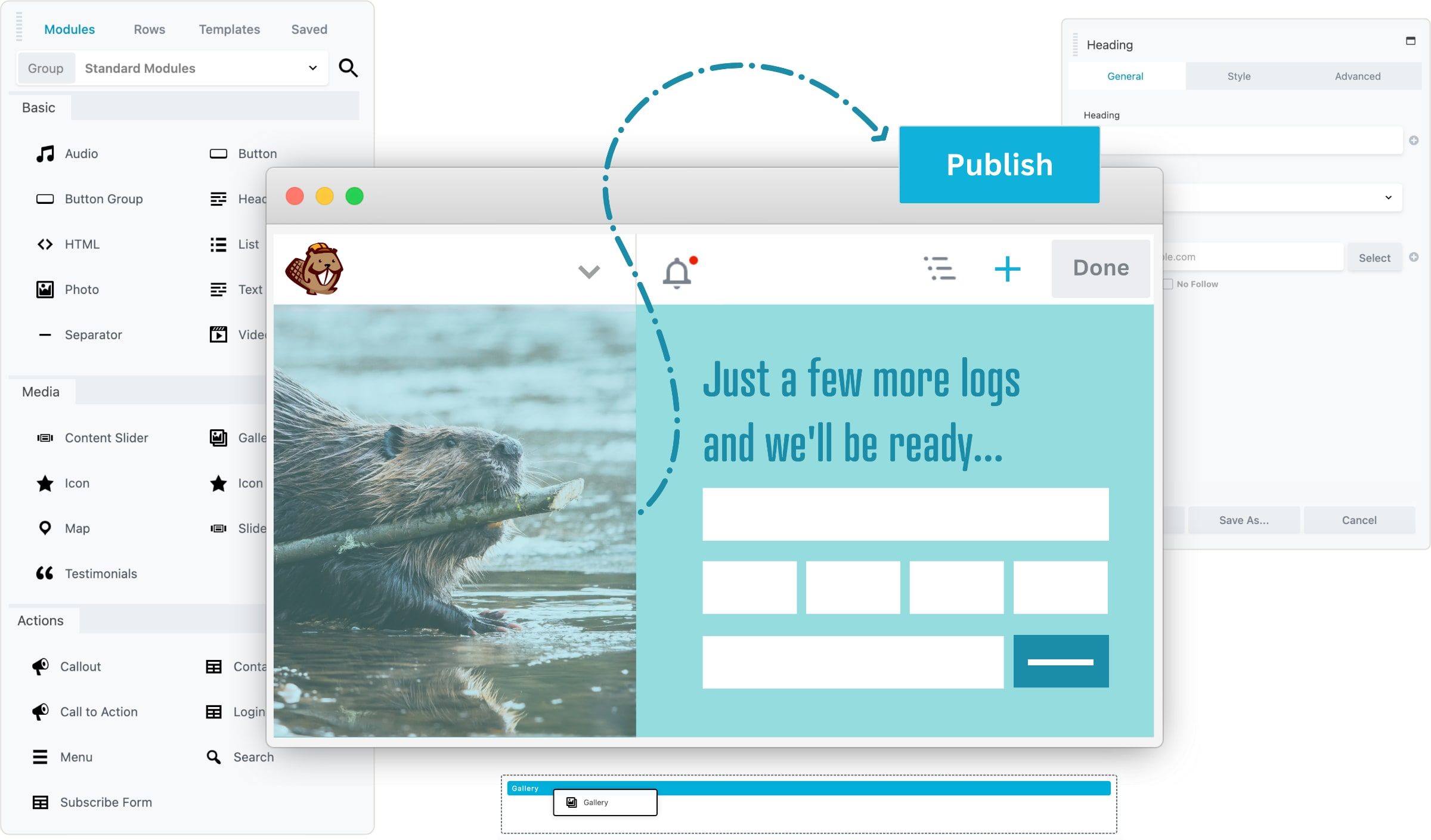
Beaver Builder is a very reliable, developer-friendly WordPress page builder known for its clean code, stability, and ease of use through visual drag-and-drop editing. It focuses on performance and simplicity rather than flashy features, making it ideal for developers, agencies, and users who want a fast, maintainable site with strong mobile responsiveness and reusable design elements. Its interface is customizable, with comprehensive styling controls and multi-layer backgrounds for advanced design.
As of November 2025, Beaver Builder’s pricing are slightly higher than others:
- Starter Plan: $89/year for 1 site, including the page builder, theme, and Themer plugin.
- Professional Plan: $299/year for up to 50 sites, adds multisite support.
- Agency Plan: $399/year, includes white-labeling for client projects.
- Ultimate Plan: $546/year, includes full theme building and priority support.
4. Divi:
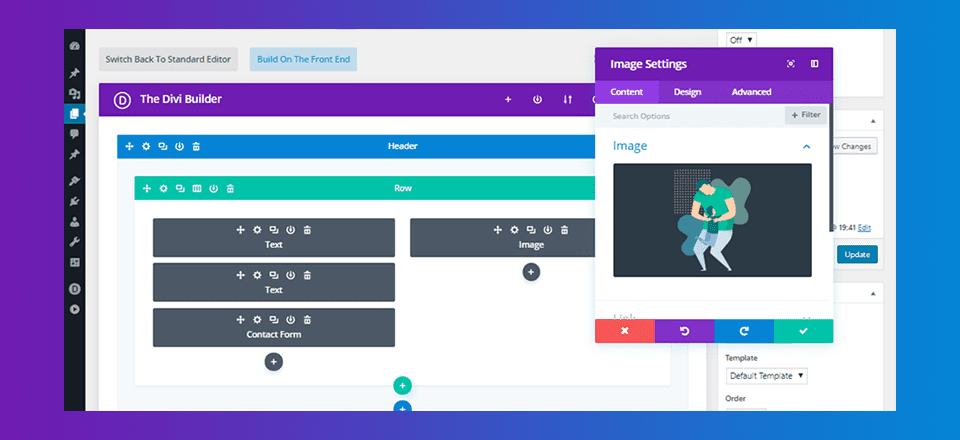
Divi builder is another popular page builder plugins from ElegantThemes. Divi is one of the most popular builders with a visual editor, pre-made layouts, and extensive customization options. Works as both a theme and plugin.
It offers a rich library of pre-made layouts and marketing-focused design tools.
As of November 2025, Divi pricing is:
- Annual plan: $89/year (unlimited sites)
- Lifetime plan: $269 one-time fee (unlimited sites)
Users love the versatility, ease of use once learned, and especially praise the excellent customer support (often getting help within minutes). I think it’s alright.
5. Visual Composer:
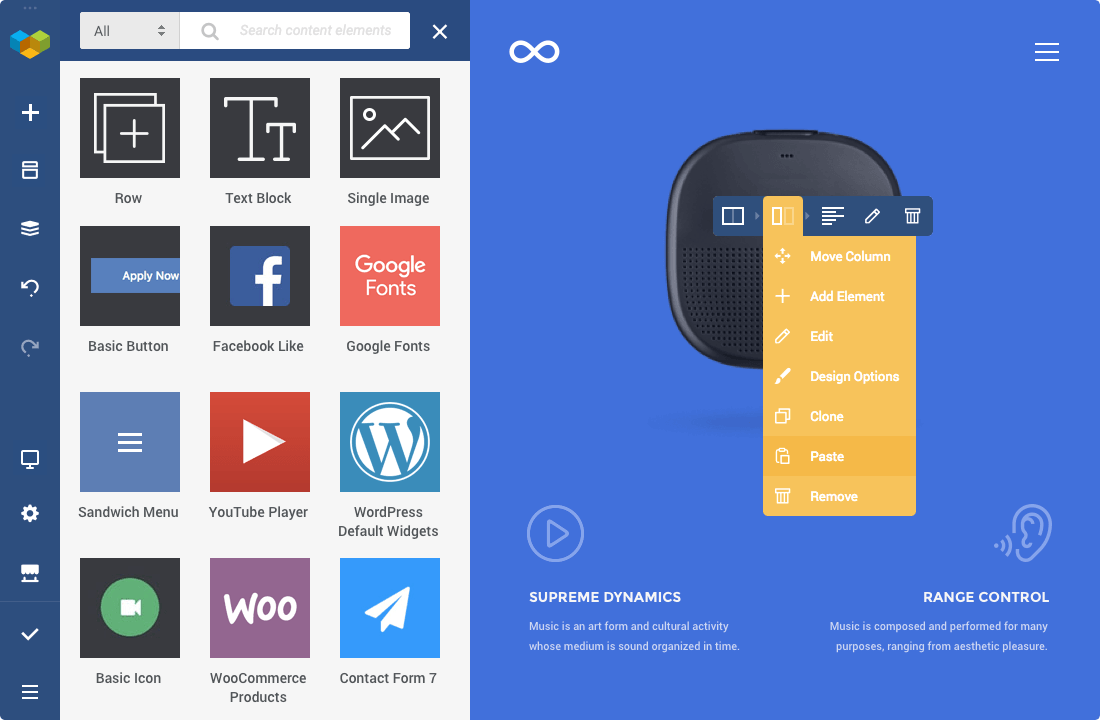
Visual composer is also by the creators of WPBakery.
Visual Composer is a separate, modern website builder focusing on ease of use with drag-and-drop editing, design templates, and cloud-based content elements. It caters to both beginners and professionals looking for a straightforward all-in-one site-building solution.
Unique features of Visual Composer include its cloud-based content library with multi-site synced design elements, integrated design system with presets and advanced animations, and easy front-end editing that works well for non-technical users.
Visual Composer pricing as of November 2025:
- Free version with basic features.
- Website Builder Plan: $49/year for one site, includes drag-and-drop editor, templates, and cloud elements.
- Pro Plan: $99/year for up to 3 sites, adds premium templates, support, and extra design elements.
- Agency Plan: $349/year for unlimited sites, includes white-labeling and advanced integrations.
6. Brizy

Brizy is a next-gen, user-friendly page builder for WordPress and cloud websites, known for its minimalist drag-and-drop interface, global styling options, image focus/zoom, over 500 pre-made blocks, AI-powered layouts, and popup creator. It aims to make web design super easy, especially for non-coders and freelancers, with a smooth real-time editing experience and a robust template library.
Pricing as of November 2025:
- Free version covers basic page building.
- Personal Pro (WordPress): $49/year for 1 site, includes premium templates and popup builder.
- Freelancer Pro: $99/year for up to 25 sites.
- Agency Pro: $299/year for up to 100 sites.
- Lifetime access: $299 one-time fee (all features, unlimited sites).
Some folks find Brizy intuitive and modern with frequent updates, beautiful templates, and strong AI features.
7. Siteorigin
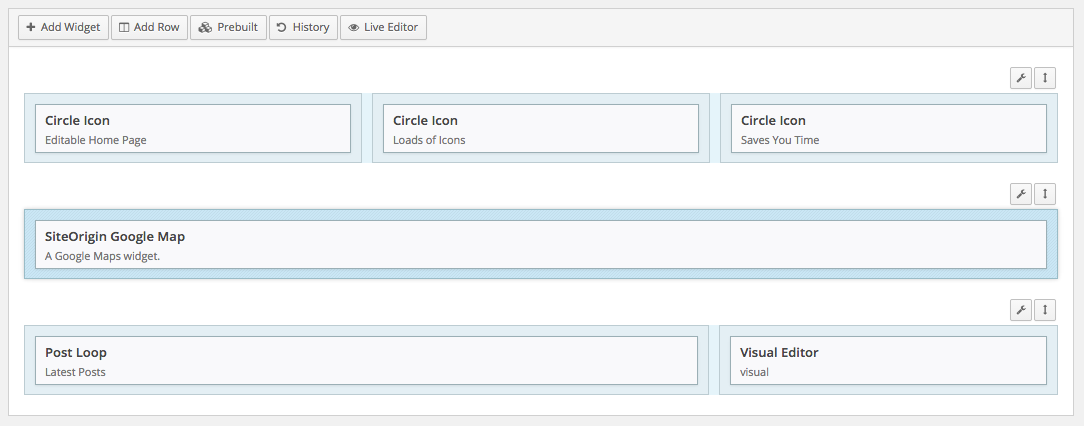
Siteorigin WordPress page builder is free, popular (over 1m downloads) and not bad. Even the pro version is $29.
It is a solid, free page builder plugin that has been popular for years due to its simplicity and wide compatibility with WordPress themes and widgets. However, it has gradually fallen behind in innovation and modern features compared to newer builders like Elementor and co.
It shouldn’t be on this list because honestly, it lacks the advanced visual editing, drag-and-drop ease, and design flexibility that have become standard in the latest page builders. It remains a good choice for lightweight, basic sites or users on a strict budget, but it doesn’t offer advanced features like AI tools, theme building, or extensive template libraries that others provide.
SiteOrigin Page Builder pricing as of November 2025 includes these plans for the premium add-ons:
- Single Plan: $29/year for use on one site.
- Business Plan: $49/year for up to 5 sites.
- Developer Plan: $99/year for unlimited sites.
- A free version of SiteOrigin Page Builder is also available with core features from the WordPress plugin directory.
Personally I love using the widgets, and the page builder is decent, which is why it made it to this list.
Hope these help. Have fun building!
–