

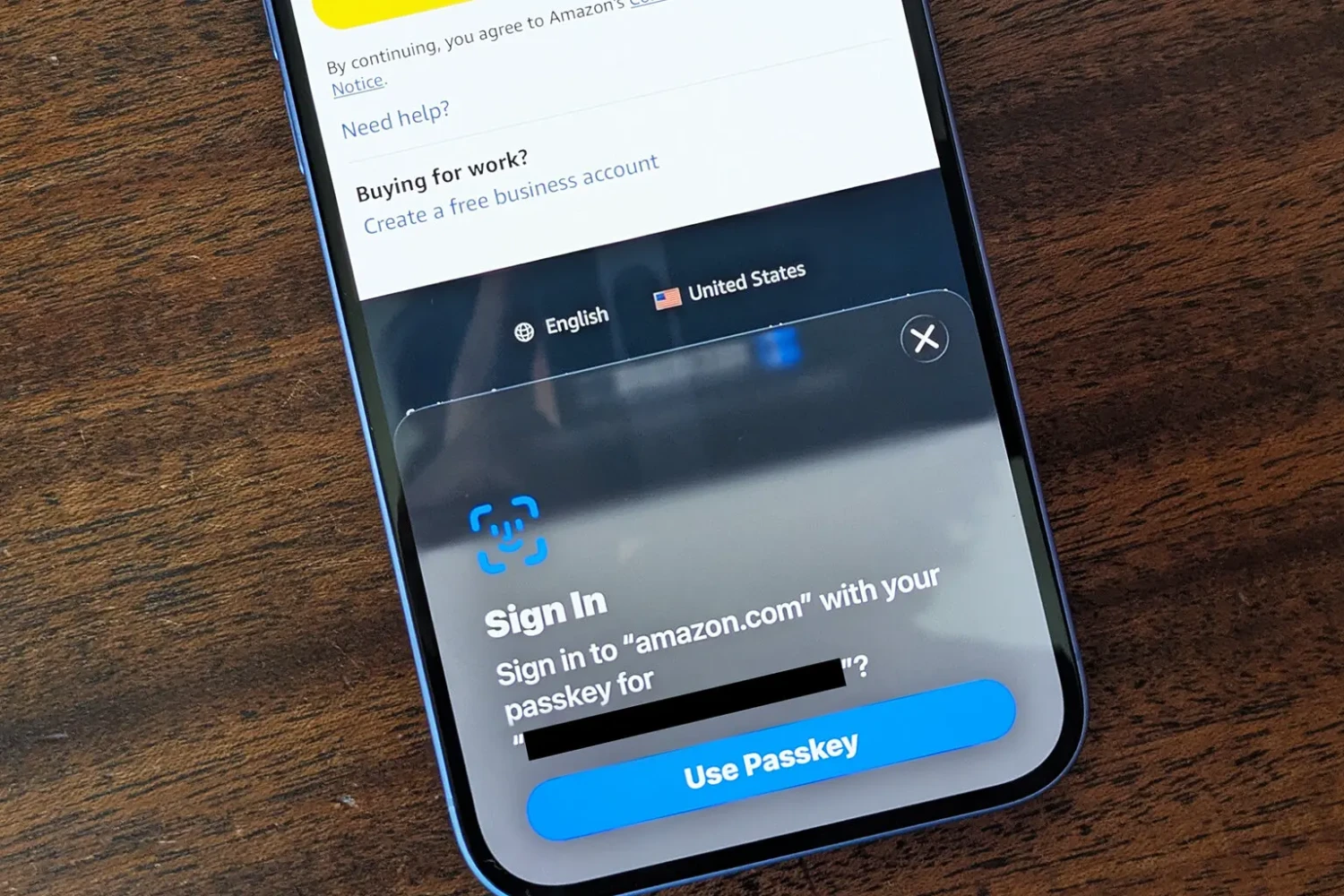
What is a Passkey and why are so many websites trying to get me to use one? In the ever-changing world of cybersecurity, traditional passwords are just not good enough.
As old passwords could easily be stolen, hacked, or even guessed, passkeys would work on a completely different level, with public-private key pairs authentication.
Unlike a password, passkeys cannot be shared, remembered, or written down. This makes it far less vulnerable to the types of attacks that commonly target password-based systems.
So, What is a Passkey and why are so many websites trying to get me to use one?
Most of us already use a password manager with strong, unique passwords, and 2FA via a different app. A passkey just seems to be a different password they want us to use instead?
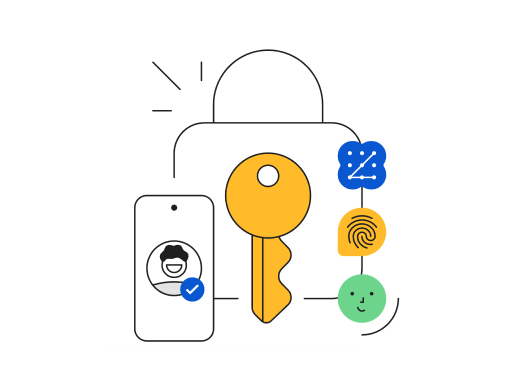 Well not passkeys.
A passkey uses cryptography instead of a password. Your device creates a private key and a public key. The private key stays with you, usually on your phone, laptop, password manager, or physical security key. The website gets the public key. When you log in, your device proves you have the private key without actually exposing it.
That matters because there is no password for you to type into a fake page. There is no simple secret for a hacker to copy from your brain, your notes app, your browser, or a breached website database.
Combining the power of public key cryptography with biometric authentication, passkeys create a solution where you will never need to remember passwords or fear security breaches.
With more than 6 billion unique logins, usernames and passwords, available on the dark web, and with most users using the same passwords across platforms, passkeys have emerged as a revolutionary solution, offering a more secure and streamlined method for authentication.
Are Passkeys Secure?
Yes, but not like passwords.
A passkey itself is very hard to “steal” because the private key stays on your device/security chip and the website only gets a public key. The realistic attacks are usually around it: someone gets access to your unlocked phone/laptop, compromises your Apple/Google/Microsoft account that syncs passkeys, tricks you with fake login prompts, uses account-recovery loopholes, malware controls your session after you log in, or the website itself has weak recovery/security.
Here it is:
The advantages outweigh the disadvantages.
- Each Passkey is unique per service (no reuse).
- Leakage of public keys is generally fine.
- Removes entire classes of social engineering based threats: an attacker cannot intercept and replay a challenge, each Passkey is associated with one RP, so the Passkey provider will never prompt the user to approve using a Passkey on a domain that isn’t that of the specific Passkey RP, and even if a malicious actor were to get a hold of a valid challenge and somehow trick the Passkey provider to sign it, it will still attach the domain (RP) of the malicious actor, failing verification on the legitimate server.
TLDR, hella secure.
A boring breakdown
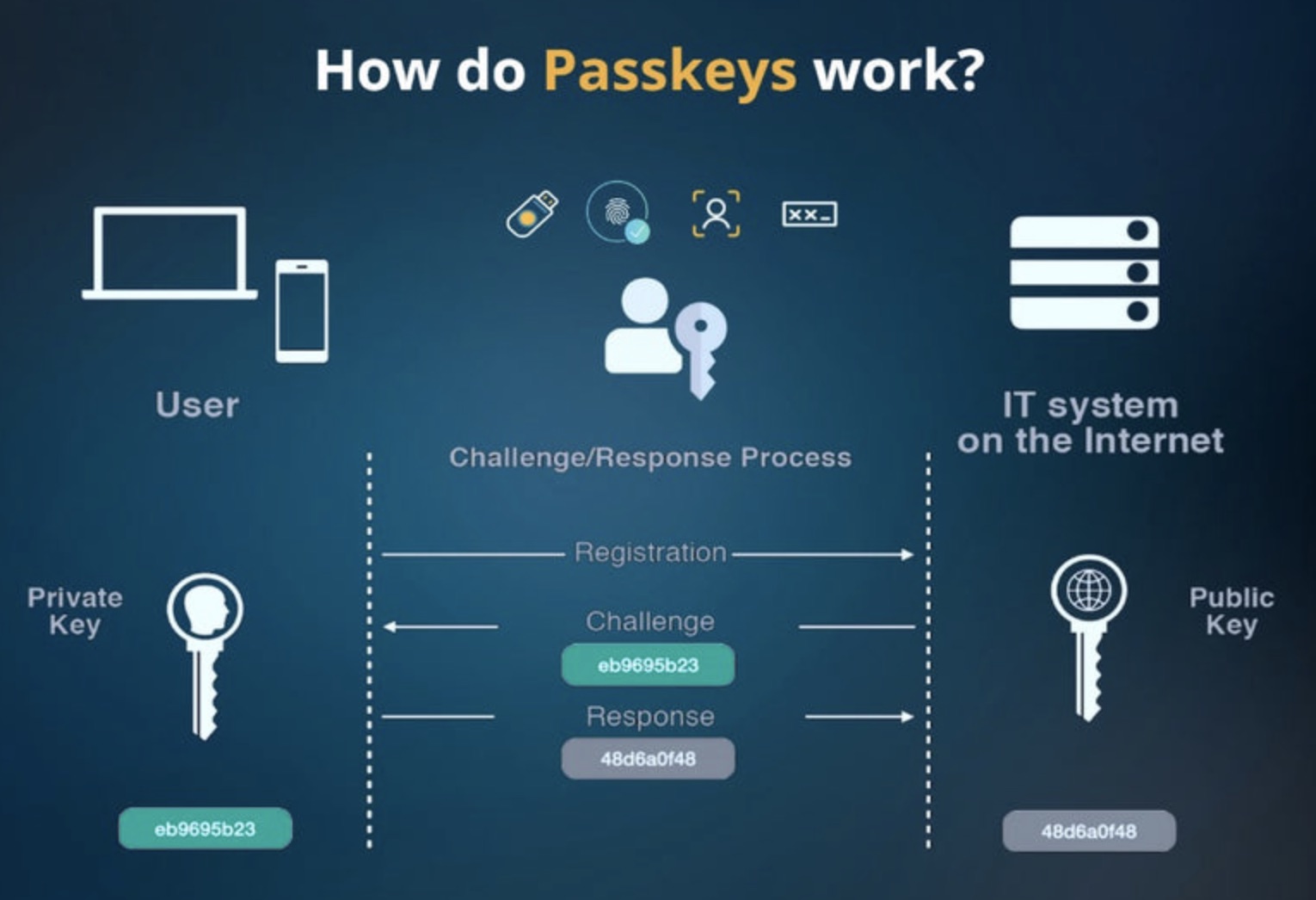
At heart, passkeys are powered by asymmetric cryptography, providing strong and frictionless authentication. Passkeys leverage public-private key pairs to authenticate users without ever exposing sensitive information.
When a passkey is created, two cryptographic keys are generated:
- Public Key: The public key stays on the server of the service provider. It isn’t sensitive on its own and can’t be used to access your account.
- Private Key: This key is kept on the user’s device, like a smartphone. It never leaves the device and is always protected by a strong form of user verification.
That is the whole point.
The private key is designed to stay protected on your device or inside the security system managing it. The website does not store the private key. It stores the public key, which is not useful by itself. So if that website gets breached, attackers do not walk away with a password they can try on your email, bank, domain registrar, Instagram, or WordPress admin.
That is where passkeys beat passwords badly.
So you mean passkeys cannot be hacked?
On the contrary. Passkeys can still be attacked around the edges.
If someone gets access to your unlocked phone or laptop, that is a problem. If your Apple, Google, Microsoft, or password manager account is compromised, that can become a problem, especially if your passkeys sync through that account. If your recovery email or phone number is weak, that is another weak point. If malware is already controlling your device, passkeys cannot magically protect everything you do after login.
There is also the boring but important issue of account recovery. Some websites still let people recover accounts with email links, SMS codes, security questions, support tickets, or old backup methods. If that recovery process is weak, an attacker may not need to “hack the passkey.” They can simply go around it.
So in essence, passkeys are very hard to steal directly, but your account can still be compromised if the rest of your security is weak.
How do you compare Passkeys with Security Keys?
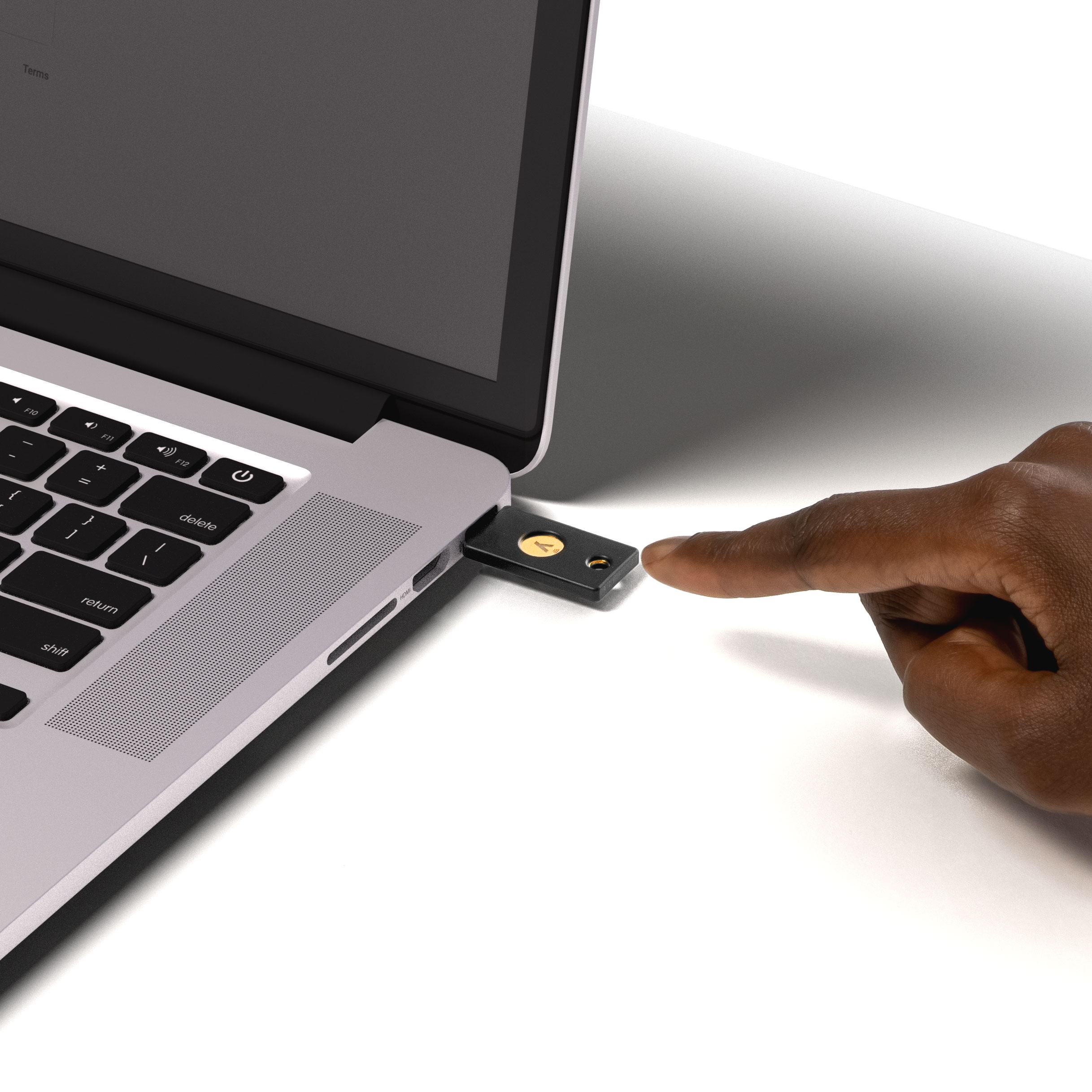 Now, passkeys versus security keys.
A physical security key, like a YubiKey, is still one of the strongest options for high-risk accounts. It is a physical device you must have with you to log in. That makes it much harder for a remote attacker to get in, because guessing, phishing, or stealing a password is not enough.
Passkeys are more convenient. They can sync across your devices. You can use Face ID, Touch ID, fingerprint, Windows Hello, or your device PIN. For most people, that is a massive upgrade from passwords and SMS codes.
But that convenience comes with a trade-off. If your passkeys sync through your Apple, Google, Microsoft, or password manager account, then that account becomes very important. You have to protect it properly. Strong device lock. Strong account recovery. No weak email password. No careless approvals.
Security keys are less convenient but stronger for your most important accounts because the secret stays on the hardware key and does not depend as much on cloud syncing. The best setup is not “passkeys or security keys.” It is both.
Use passkeys for everyday accounts. Use physical security keys for the accounts that can ruin your life or business if they are taken over: email, domain registrar, banking, cloud storage, Apple ID, Google account, Microsoft account, PayPal, website admin, and anything connected to client data.
And if you use a physical security key, do not buy only one. Keep at least two. One main key and one backup. Losing your only key can lock you out.
Who is using Passkeys now?
Apple, Google, Facebook and Microsoft have already integrated support for the technology across their ecosystems, allowing users to sign into their ecosystem with ease.
Notable adopters include:
Devices and Operating Systems
Apple: iPhone and iPad users running iOS 16 or later can use passkeys. Mac users with macOS Ventura 13 and newer versions are also supported.
Android: Android devices running Android 9 (Pie) or higher, support passkeys, with Google Password Manager handling cross-device synchronization.
Windows: Windows 10 and 11 users can use passkeys, through Windows Hello.
Browser Compatibility
Google Chrome (version 109 or later)
Apple Safari (version 16 or later)
Microsoft Edge (version 109 or later)
Mozilla Firefox (currently with limited support)
So it is safe, to have passkeys now. BUT don’t save them in the same place!!